
What Is Included in the Microsoft 365 Family Free Trial?
Microsoft 365 Family Free Trial gives eligible users one month to explore productivity applications, cloud storage and subscription features before choosing a paid plan.
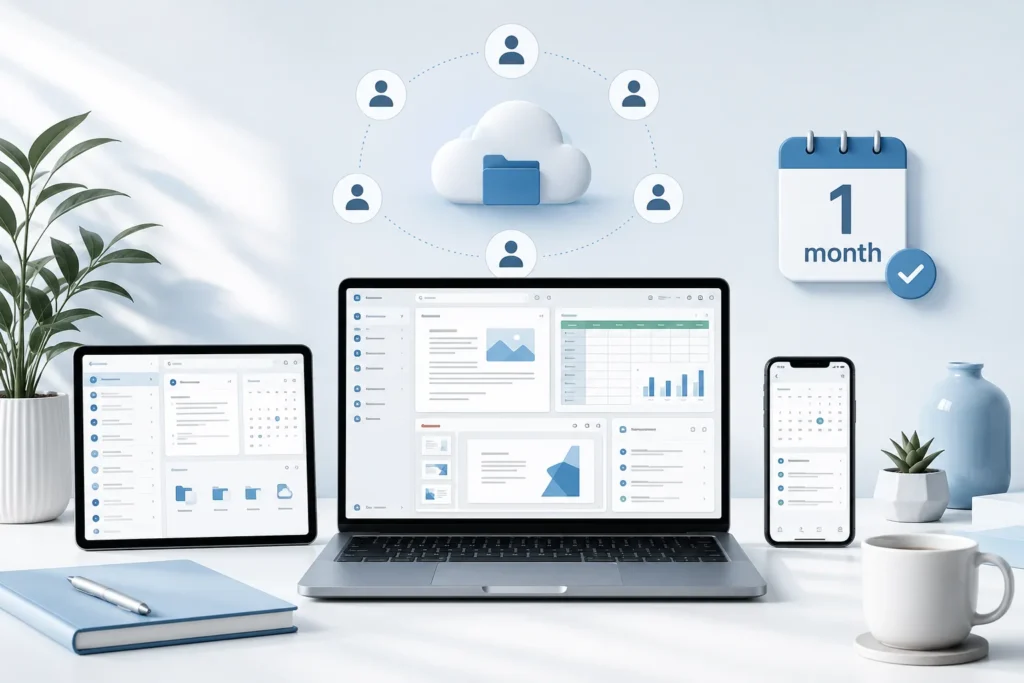
The subscription is designed for households and small groups that want to use Microsoft 365 across multiple computers, phones and tablets. One subscription can be shared with up to five additional people, allowing a total of six users to access their own applications and personal cloud storage.
What Is Included in the Microsoft 365 Family Free Trial?
The trial may include desktop versions of familiar Microsoft applications such as Word, Excel, PowerPoint, Outlook and OneNote. Available applications and features can differ depending on the device, operating system, region and current subscription offer.
Microsoft 365 Family also provides cloud-connected features that allow users to save, access and collaborate on documents across supported devices. Each person included in the subscription can receive up to 1 TB of OneDrive cloud storage, providing up to 6 TB in total when the plan is shared with six people.
Each user can install Microsoft 365 applications on their supported devices and remain signed in on up to five devices at the same time. This can include compatible Windows computers, Macs, tablets and smartphones.
How the Free Trial Works
- Visit the official Microsoft 365 trial page.
- Sign in with an existing Microsoft account or create a new account.
- Select the Microsoft 365 Family trial when it is available for your account and region.
- Review the subscription plan and the price that will apply after the trial.
- Enter the requested payment information.
- Confirm the trial and install or access the included Microsoft 365 applications.
Trial availability may depend on account eligibility, location and previous Microsoft 365 subscriptions. The final checkout screen should show the applicable billing schedule, renewal price and trial expiration date.
Payment Method and Automatic Renewal
A payment method is generally required when starting the Microsoft 365 Family trial. Microsoft uses this information so the subscription can continue without interruption after the one-month trial period.
Unless recurring billing is turned off or the subscription is cancelled, the trial converts to the selected paid Microsoft 365 plan. The payment method associated with the Microsoft account may then be charged according to the price and billing frequency shown during registration.
Subscription prices, taxes and available monthly or annual billing options can vary by country. Check the final Microsoft checkout page before confirming the trial.
How to Cancel the Microsoft 365 Trial
To manage the trial, sign in to the Microsoft account used during registration and open the Services and subscriptions section. Locate the Microsoft 365 subscription and select the available management or cancellation option.
Microsoft may display an option to cancel the subscription or turn off recurring billing. After completing the process, verify that the account shows an expiration date and does not show a future automatic charge.
The Microsoft 365 Family Free Trial may be useful for households, students, remote workers and small groups that want to test the included productivity tools.
Complete the cancellation before the trial ends. Waiting until the billing date may increase the risk of the subscription renewing before the cancellation is processed.
Who May Find This Trial Useful?
The Microsoft 365 Family free trial may be useful for households, students, remote workers and small groups that want to evaluate productivity applications before purchasing a subscription.
During the trial, users can test document creation, spreadsheets, presentations, email management, file syncing and collaboration features. They can also check whether Microsoft 365 performs well on their devices and whether the available cloud storage meets their needs.
Important Information
WorldFreePrizes does not provide, sell or manage this free trial. Microsoft controls eligibility, application access, billing, renewal, cancellation and subscription terms.
Features, prices, AI usage limits and trial availability may change. Review the current information displayed on Microsoft’s official website before entering payment details or starting the subscription.
Explore more software and subscription offers in our free trials directory.


